 Wedora
Plan your wedding, start to RSVP.
Tasks, vendors, guests and invitations in one place, for you and your partner.
- Tasks
- Vendors
- Guest list
- RSVP
Planning, made simple
- 01
Plan
Set your date and follow a ready checklist.
- 02
Find vendors
Browse, save favourites and message them.
- 03
Invite guests
Send one link per group and see the replies.
A closer look
Tap a tab to see each part of the app.
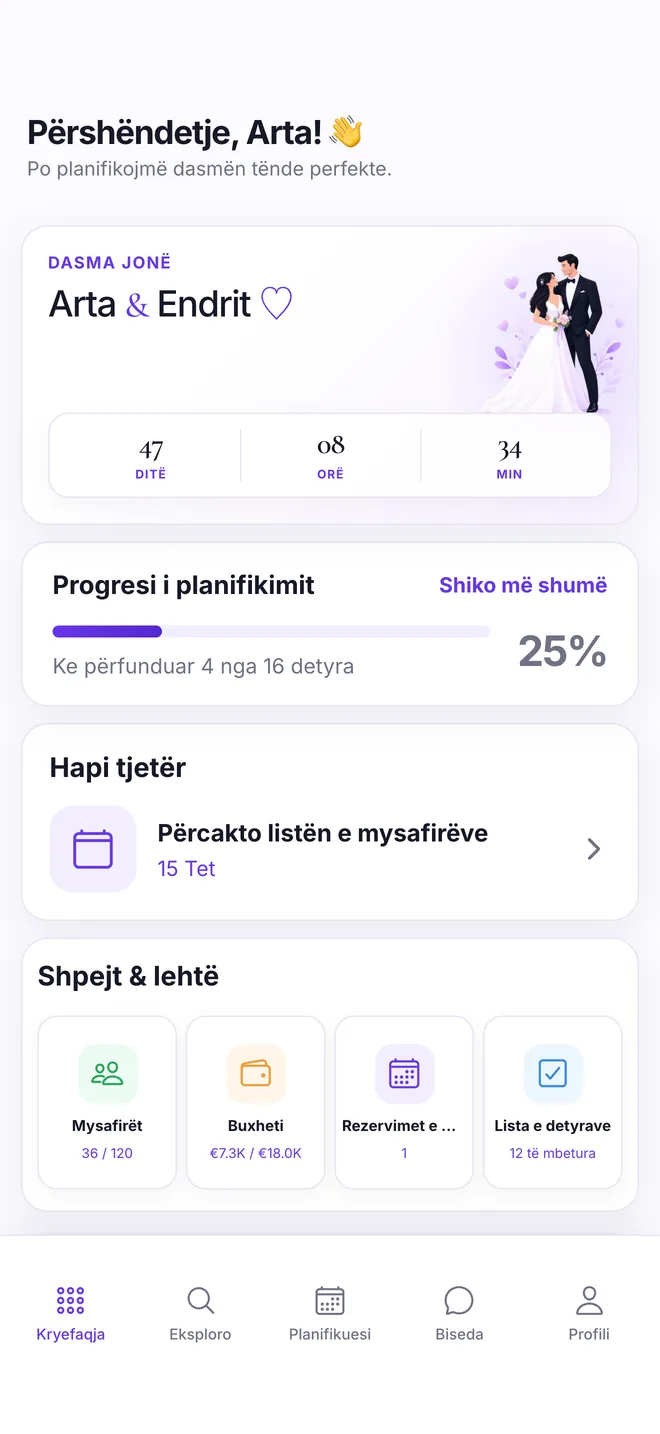
Countdown, planning progress and your next step in one view.
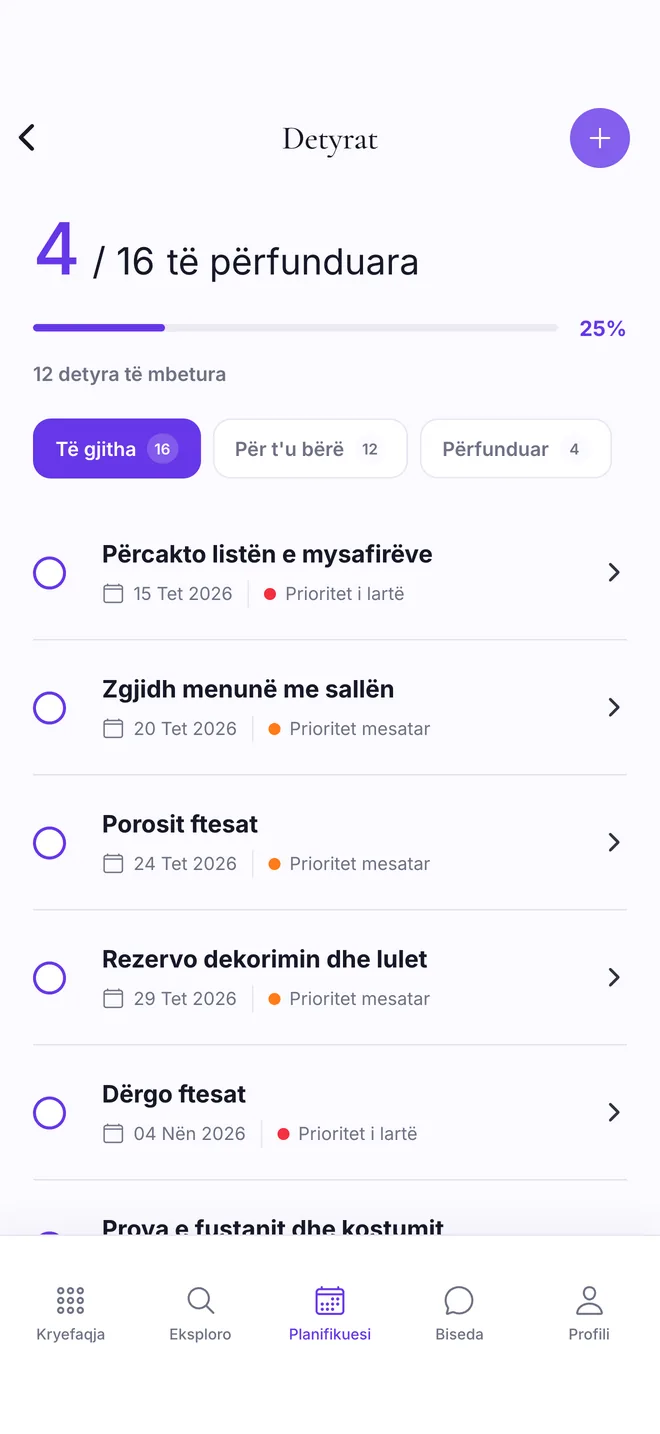
A checklist with due dates, grouped by month.
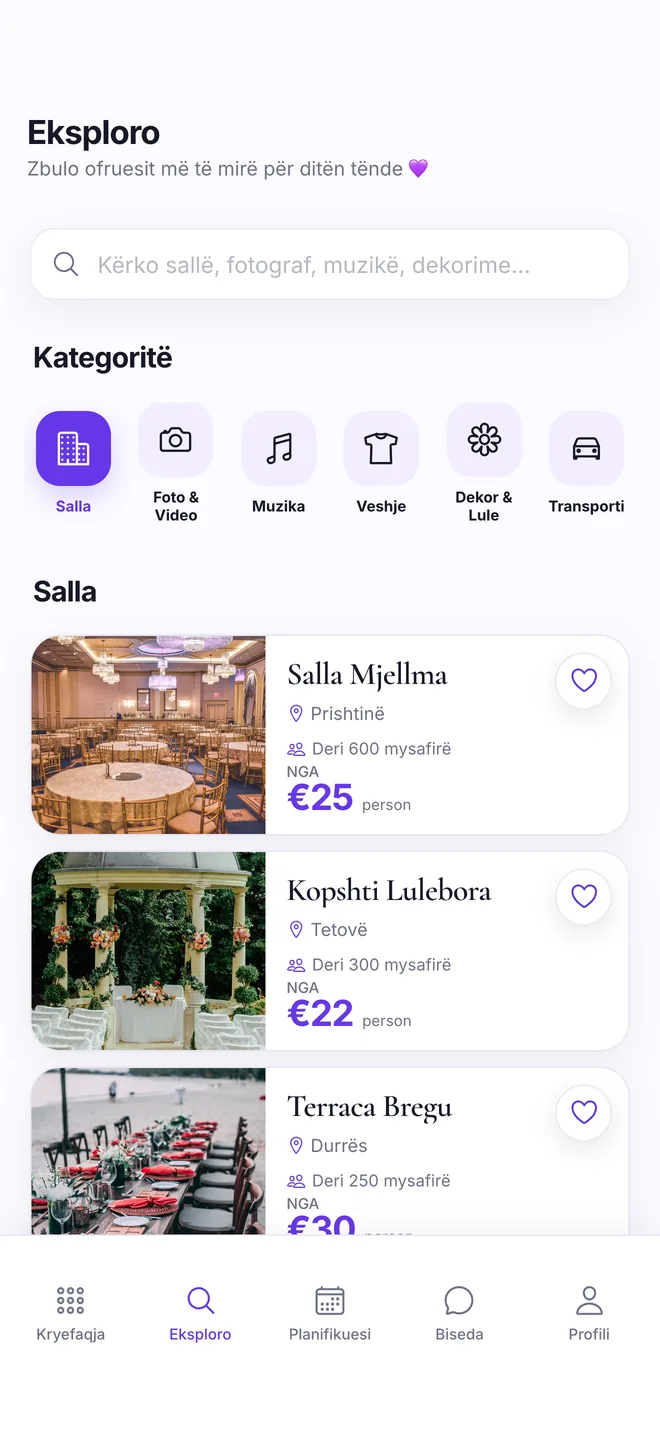
Browse venues and photographers and save your favourites.
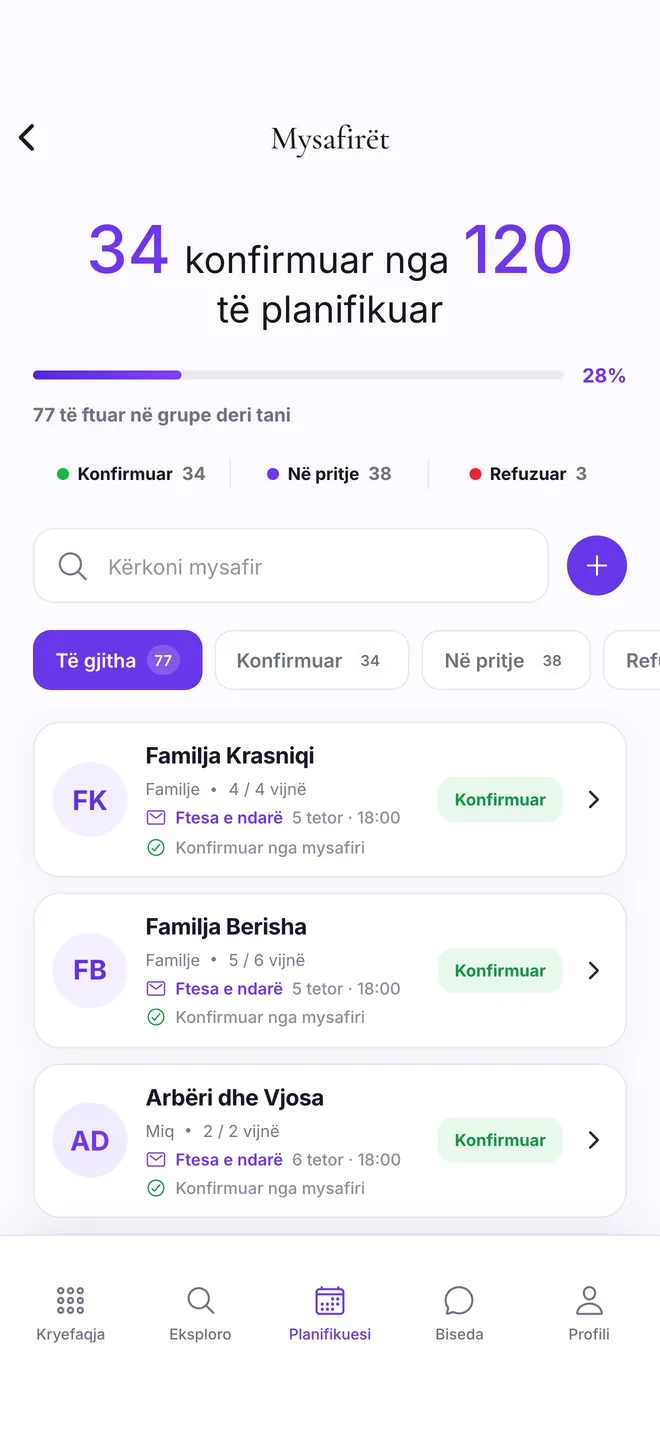
Confirmed, pending and declined at a glance.
Grow your wedding business with Wedora
Reach couples planning their wedding.
- Be found by couples planning their wedding
- Receive messages and reservation requests
- Manage your clients and bookings
How to apply
- 1Send an applicationTell us about your business.
- 2We review itThe Wedora team looks at every application.
- 3We reply by emailYou hear from us at the address you gave.
Questions, answered
Quick answers about the app. Cannot find yours? Write to us.
Do my guests need the app?
No. They reply through a link in their browser.
Can my partner plan with me?
Yes. Invite them with a code from the home screen to share tasks and reservations.
Which languages does the app support?
English, German and Albanian.
Can I delete my account?
Yes: Profile → Delete account. See how deletion works.